
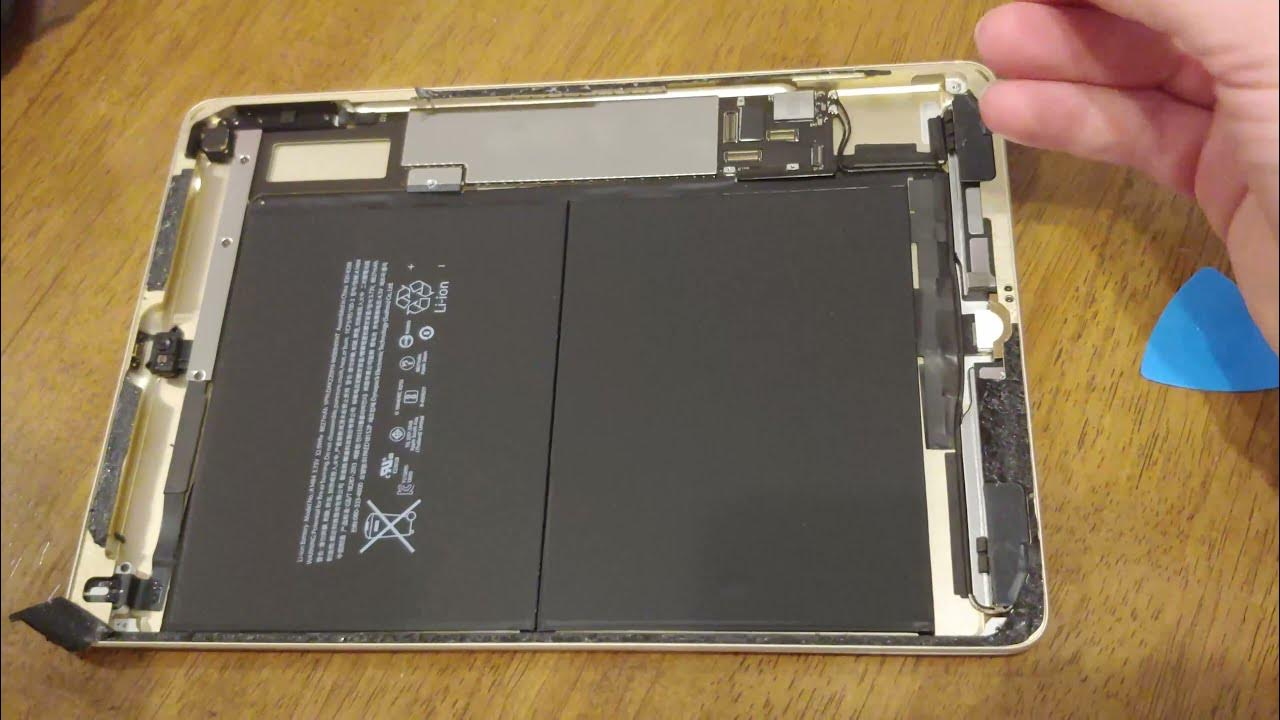
If your entertainment time is getting shorter and the screen is going off soon, then it is worth learning how to change the battery in an iPad. We know how frustrating the situation gets when you are enjoying your favorite show and the battery dies during it.
Therefore, to keep your entertainment up, we have brought you the straightforward solutions in this guide, along with signs to see for replacement, and risks in DIY replacement. So, without any further ado, let’s get straight into it!
Quick Signs Your iPad Needs a Replacement
- Unexpected shutdowns
- Rapid drops in percentage
- Slowdowns during normal use
- Overheating
- The battery shows low capacity in the report
If you face these issues in your daily use, then your search for how to change the battery in an iPad is totally valid.
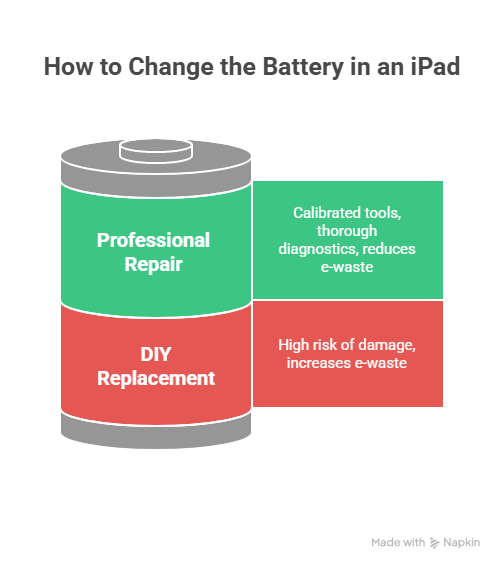
Why DIY Battery Replacement is Risky?
The very first thing is that iPad batteries are glued-in battery packs that are hard to remove cleanly. A little mistake here can lead to:
- Puncturing the battery
- Damaging the connectors
- Breaking device seals
Also, choosing certified repairs is good because it helps reduce the 62 billion kg e-waste burden and contributes to a better ecosystem.
Keep Your Device Safe With Professional Repair
Instead of a DIY solution, take your device to an expert iPad repair service, where a technician uses calibrated tools to replace the battery and runs thorough diagnostics to make sure everything works the way it should. This is our recommended solution if you ask us how to change the battery in an iPad.
What to Expect After Replacement?
Once your iPad battery gets replaced, you will notice smooth performance and increased battery lifespan. However, you need to follow the steps mentioned below before using your device normally:
- Charge to full and monitor behavior for 24-48 hours
- Install updates
- Run basic apps to confirm stability
Note: If you have a tablet instead of an iPad, the steps will remain the same. Further, you can get assistance from the professional tablet repair service to keep your device functional for a long time.
FAQs
How do I know if my iPad needs a new battery?
If your iPad is not holding power, shutting down unexpectedly, or performing slow, it’s time to replace the battery.
How many years should an iPad battery last?
Expect 2-6 years of battery life on average use. Also, daily use shortens that window.
Should I leave my iPad plugged in all the time?
No, a continuous charge can damage the port and also degrade the battery life. Therefore, unplug periodically and avoid extreme heat.
Can I change the iPad battery myself without issues?
Yes, but it is not recommended unless you have experience. Relying on a professional shop reduces risk and often comes with an after-work warranty.
Conclusion
You never have to worry about how to change the battery in an iPad because professional service wins for safety and reliability. And when in doubt, you can rely on us. We, at iGadget Repair, offer a reliable, hassle-free phone repair Orlando to bring your device back to its performance so your entertainment goes on.

