
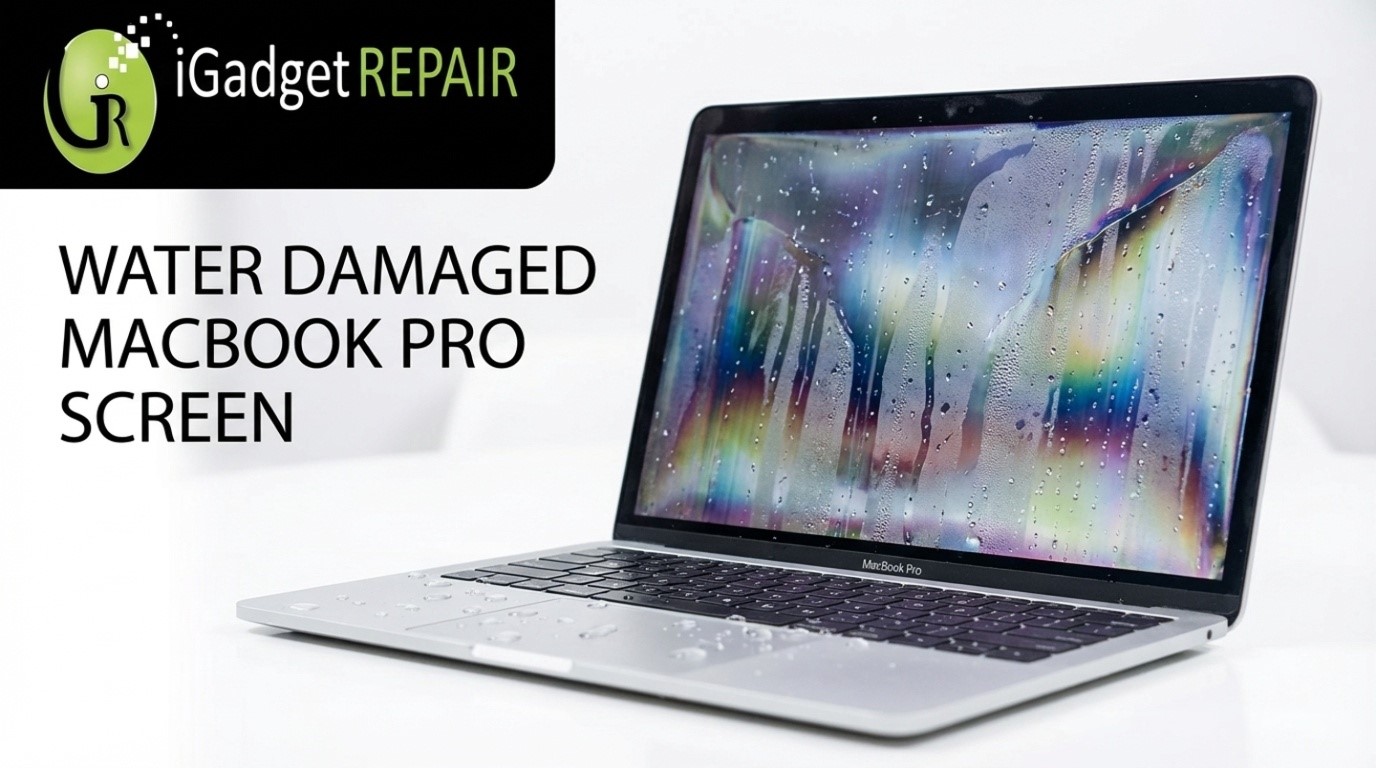
A spill on your MacBook can turn your normal workday into instant panic. It gets worse when you notice lines or dark spots forming on your display. A water damaged MacBook Pro screen feels overwhelming, but your quick actions in the first few hours can save you from further damage to your MacBook Pro’s screen.
Ways to Repair Your Water Damaged MacBook Pro Screen
You can repair your water-damaged MacBook Pro’s screen by drying it to control airflow and carefully analyzing the display response of your device. You can also try to shut your MacBook off and rush to a repair store if the issue persists.
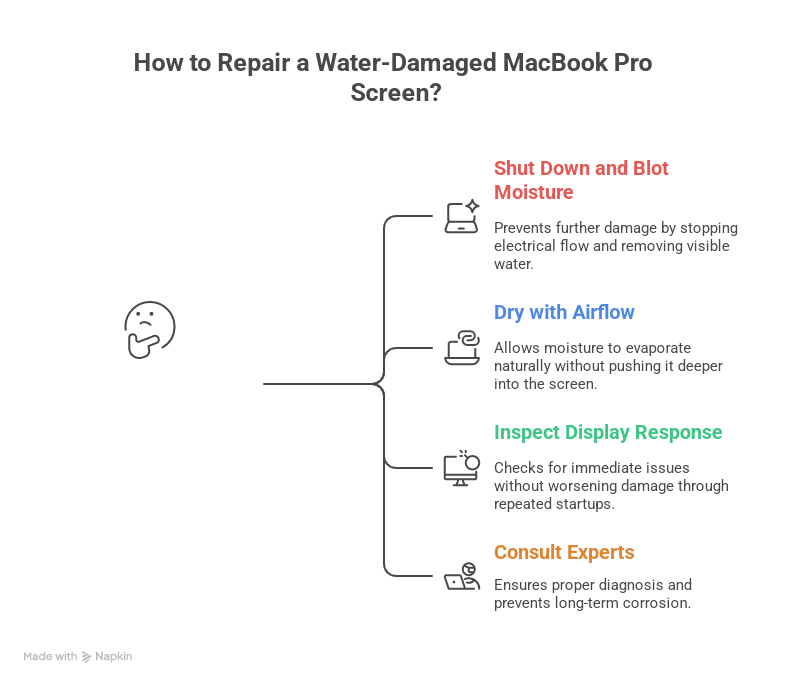
Shut the Device Down
Shut the MacBook off immediately and unplug everything connected to it. Gently blot visible moisture using a soft cloth and position the laptop in a slight tent shape. It allows airflow to move through the screen layers and limits internal spread for a MacBook Pro screen water damage.
Dry with Patience and Controlled Airflow
Place the laptop in a dry room with steady air circulation and let gravity do the work. Avoid heat tools since they can push moisture deeper into the display. This step is especially important when you suspect an early water damaged MacBook Pro screen that is not yet visible.
Inspecting the Display Response Carefully
After drying, turn the device on once and check whether the brightness changes or the screen flickers. Never forget that repeated startups can worsen MacBook screen water damage and reduce your chances of screen repair.
Choose Expert Diagnostics over Guesswork
Keep in mind that liquid exposure doesn’t easily get detected, which leads to delayed issues. You should consult technicians who regularly handle MacBook display water damage to prevent the corrosion from spreading.
Are you baffled by searching for multiple repair providers near you? Choose iGadget Repair for our laptop repair Orlando services to save time and get your MacBook Pro fixed without any chaos.
Frequently Asked Questions
1. Can I repair my water damaged MacBook Pro screen, or is it necessary to get it replaced?
In many cases, your issue might be fixed with a repair. But you may need to go for a full replacement if the water damage to your MacBook Pro seems to be severe.
2. How long will water damage take to show on a MacBook Pro screen?
You should remember that some symptoms will appear instantly. However, you’ll see other symptoms after some days as corrosion slowly forms.
3. Can turning on my wet MacBook make the screen damage worse?
Yes, you should avoid powering your MacBook on. That’s because it can increase the risk of internal damage, which can take time to repair.
4. Are DIY techniques safe, or should I go for professional repair?
It will be better if you take your MacBook to a repair store. Professional inspection can help you save your data and prevent hidden damage from spreading further.
Fix Your MacBook Pro Screen Water Damage wIth Us
Remember that water damage is risky because you cannot see what is happening. Reach out to iGadget Repair, and we’ll help you understand what your MacBook needs through precise diagnostics and hands-on experience with Apple devices.
With our assistance, you’ll get stress-free repair solutions with technical support you can rely on. Let us help you fix your MacBook so you can be sure that your device is handled with expertise and precision.

