
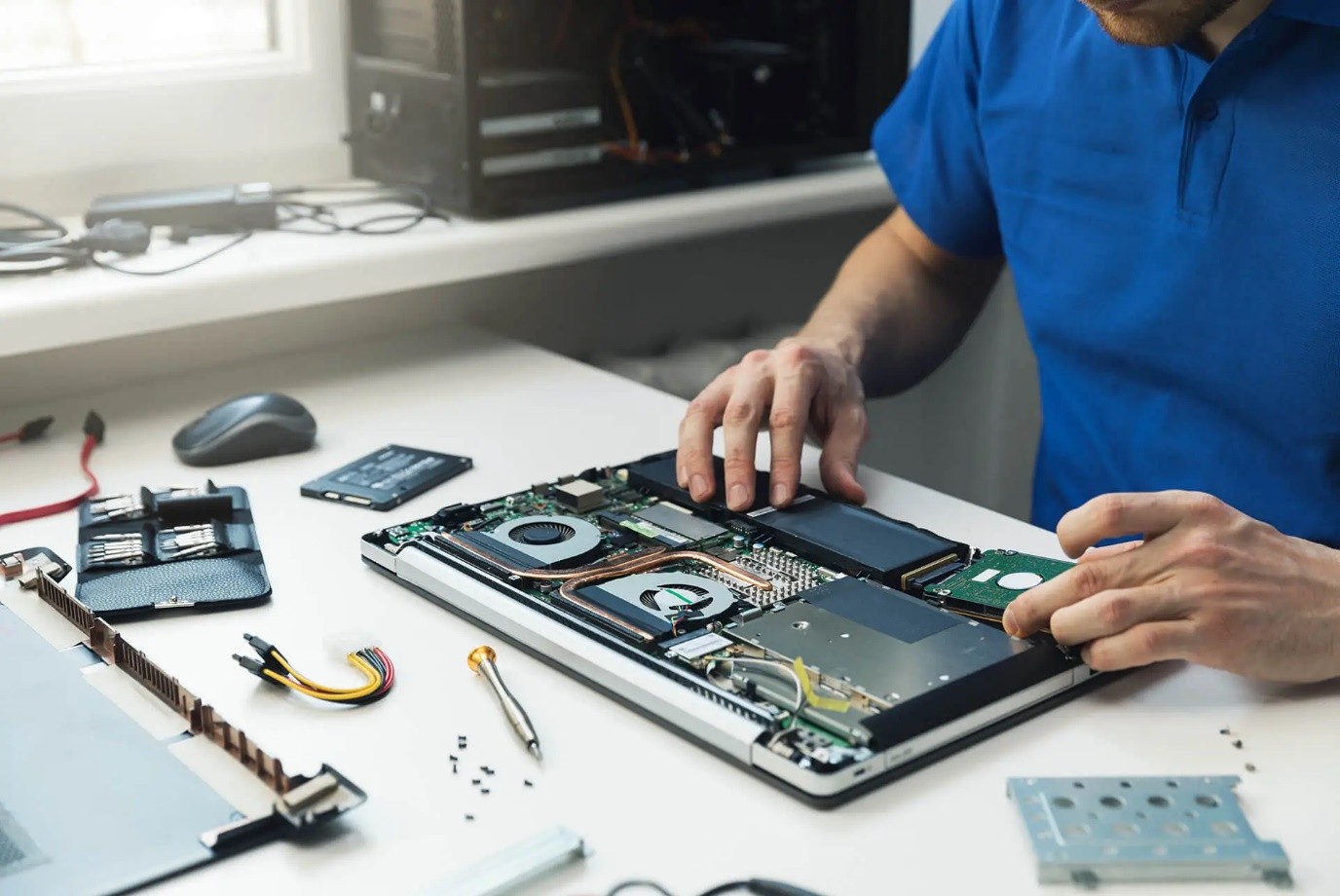
If your system takes forever to boot or struggles with simple tasks, it’s time for a slow laptop fix.
Lagging performance isn’t just frustrating, but it also directly affects your productivity. At iGadget Repair, we focus on identifying the exact bottlenecks slowing your device down and applying targeted solutions that make a real difference.
Identifying Heat-Related Slowdowns That Kill Performance
One of the most overlooked causes of slow performance is heat. When your laptop overheats, the processor automatically reduces speed to protect itself.
We address this by:
- Cleaning internal fans and vents.
- Reapplying high-quality thermal paste.
- Improving airflow for better cooling.
This helps your laptop maintain consistent speed without throttling under pressure.
Upgrading Storage for Faster Load Times
If your laptop still uses a traditional hard drive, you’re dealing with outdated technology. Switching to an SSD is the most effective way to improve speed.
As part of our laptop repair Orlando process, we:
- Replace slow HDDs with high-speed SSDs.
- Transfer your data securely.
- Optimize your system for faster boot times.
This upgrade alone can dramatically reduce loading times and improve overall responsiveness.
Slow Laptop Fix Through Memory Optimization
Running multiple apps or browser tabs can quickly use up your available memory. When that happens, your system slows down significantly.
We improve performance by:
- Increasing RAM capacity.
- Configuring dual-channel memory setups.
- Reducing reliance on slow virtual memory.
A proper slow laptop fix ensures your system can handle multitasking without lag.
Cleaning Up Software and Background Processes
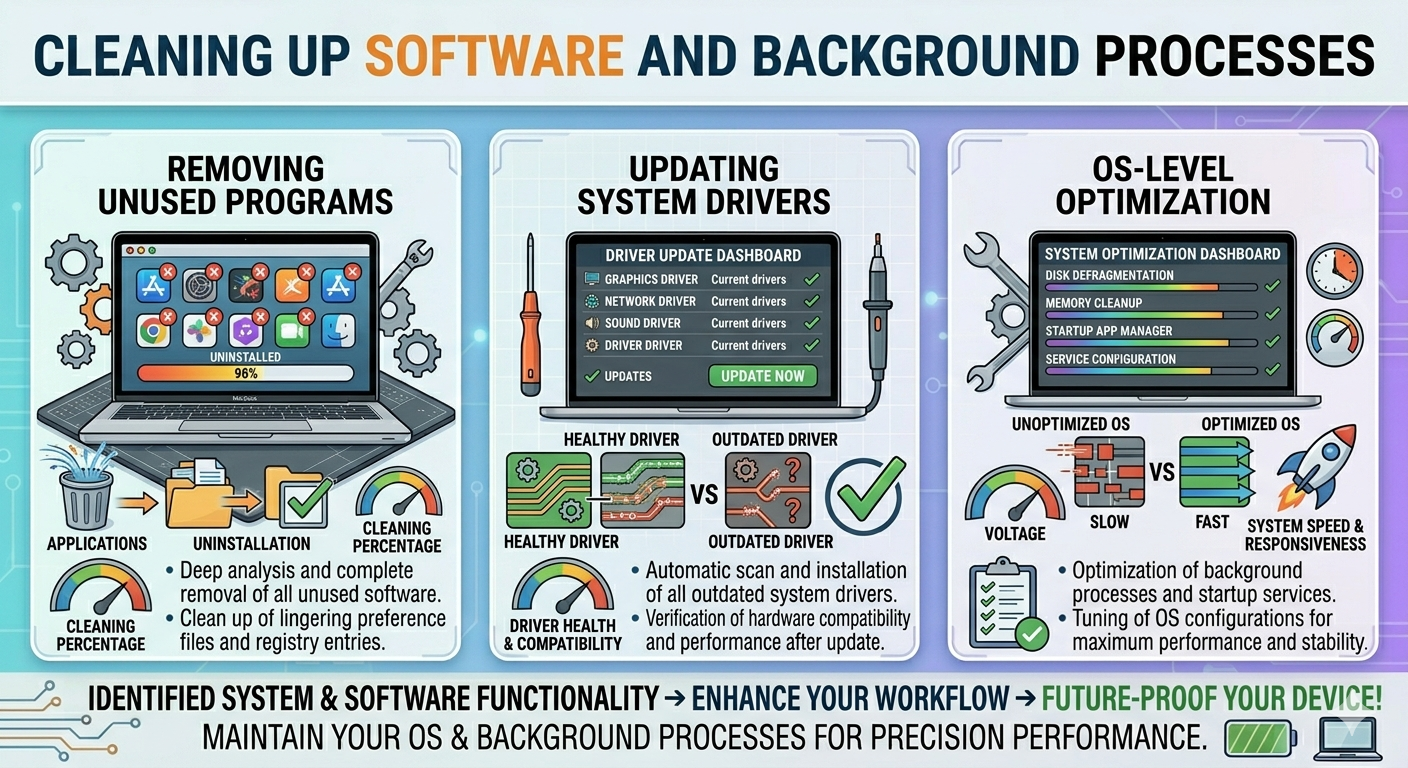
Over time, your laptop accumulates unnecessary files, outdated drivers, and background apps that consume resources.
We go beyond basic cleanup by:
- Removing unused programs.
- Updating system drivers.
- Performing OS-level optimization.
If needed, our laptop repair service includes a full system refresh to eliminate hidden performance issues and restore speed.
Balancing Hardware and Software for Long-Term Speed
A fast laptop isn’t just about one upgrade. It’s about balance. Combining hardware improvements with software optimization ensures long-term performance.
Here’s how each solution helps:
| Service | Technical Benefit | Real-World Result |
| SSD Upgrade | Faster data access speeds | Quick boot and app launches |
| Thermal Service | Prevents overheating | Stable performance under load |
| RAM Expansion | Better multitasking capability | Smooth switching between apps |
| OS Optimization | Removes system clutter | Faster and cleaner user experience |
A complete slow laptop fix focuses on all these areas to deliver noticeable results.
Get Your Laptop Running Like New Again!
You don’t have to settle for a slow system that wastes your time. With the right upgrades and expert care, your laptop can perform like it did when it was new.
If you’re ready to speed things up, speak with us today and let our technicians provide a fast, effective solution tailored to your device.
FAQs
Will an SSD make my old laptop feel new?
Yes, it significantly improves speed and reduces load times.
How much RAM do I actually need for multitasking?
8GB is the minimum; 16GB is ideal for smoother performance
Why does my laptop get so hot when it is slow?
Overheating causes the CPU to slow down to prevent damage.
Can you speed up my laptop without deleting my files?
Yes, we perform upgrades and optimizations without affecting your data.

