
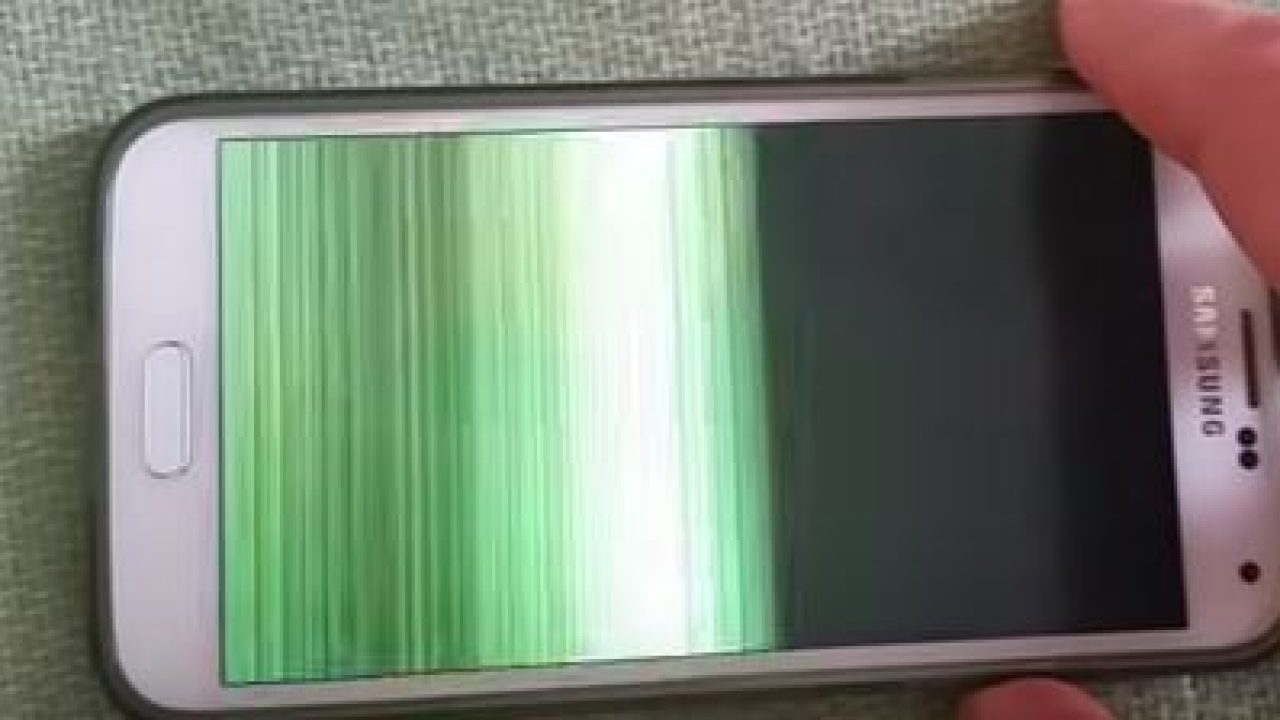
Almost everyone has experienced that heart-dropping moment when your phone slips, hits the floor, and now, you have a crack! On top of the crack, the screen has also begun to flicker. That’s what you call a nightmare. But don’t worry, you’re not alone. The best way to fix your phone’s issue is to visit the repairer, but you can also try some first-response techniques to attempt to repair the phone yourself.
However, if your gut feeling tells you that your phone needs expert attention, you should visit a Samsung service centre in Orlando immediately.
What Causes Screen Flickering After It Cracks?
If you are unsure about why your Samsung Galaxy screen is flickering, it might be due to these reasons:
- LCD or AMOLED Damage
Almost all Samsung phones have advanced AMOLED displays that can be damaged beneath the glass. A deep crack may damage the LCD or AMOLED panel, potentially causing flickering or colour distortion.
- Software Glitches that are Triggered by Hardware Damage
To provide optimal phone performance, your phone’s software can sometimes attempt to compensate for any hardware issues that cause screen flickering. A cracked screen may also cause problems with touch sensitivity or other display errors.
- Loose or Damaged Display Connector
Has your phone dropped out of your hands? Did your phone hit anywhere? Such physical impacts might not seem serious, but they may loosen the internal connectors between your phone’s motherboard and display, leading to ghost touches or flickering.
Not sure what’s wrong with your phone that is causing a flicker after a crack? Instead of relying on guesswork, it is better to opt for Samsung phone repair in Orlando, FL.
What to Do After You Notice a Screen Flicker?
First of all, please don’t panic; you can minimize further damage, identify the cause of flickering, or even fix Samsung phone in Orlando on your own. Keep in mind that the best way to resolve your phone’s issue is to visit iGadget Repair for expert solutions. But if you’d like to do it yourself, here are some tips:
1. Restart your phone
The first thing you can do is restart your phone as soon as you notice the screen flickering. It’s a quick solution that often resolves the issue since it may be a minor software glitch. If the flickering has stopped, great. However, if it has returned, your phone may have suffered deeper hardware damage. Don’t ignore such signs, as they can worsen your phone’s condition, and it’s better to contact the Samsung service centre in Orlando now.
2. Enable the Safe Mode
With Safe Mode, you can disable all third-party apps. You can enable it by:
- Pressing and holding the power button
- Then, tap and hold the “Power Off” button until the “Safe Mode” option appears on the screen
- Restart the phone in “Safe Mode.”
If your screen stops flickering in Safe Mode, it means that an app is causing the flicker, but if the issue persists, you will need a Samsung cracked screen LCD repair service.
3. Check Whether Your Phone Has Software Glitches
If your phone’s screen still flickers, it means the issue is hardware-related. Samsung often releases patches for some common software glitches that may cause display issues. To ensure your phone is up to date, go to Settings, then Software Updates, and select Download and Install to check if a software update or a fix is available.
4. Modify the Screen Brightness and Refresh Rate
Seems like a small effort, right? But this small effort can make a noticeable difference to your phone’s performance. You just have to go to Settings, then Display, lower the brightness, and switch from the Adaptive rate to a lower optimal refresh rate. This simple technique can provide a significantly better experience when deciding on your next repair step.
5. Try Gently Pressing Around the Screen Edges
Still being bothered by screen flickering? You can also try gently pressing around the screen edges but don’t force it. However, keep in mind that this is only a temporary solution. If you notice the same issue after all those efforts, it’s the right time to contact an expert for Samsung phone repair in Orlando, FL, before your phone’s issue gets worse.
Is it a Good Idea to Replace Your Phone’s Screen Yourself?
We understand that your first thought might be to fix your Samsung screen’s crack or flicker issue yourself. You may think that resolving this issue yourself is simple, but believe us, it’s not. Almost every Samsung Galaxy phone has a delicate AMOLED display that can easily be damaged during your DIY repair experiment.
You may not notice it, but replacing the screen on your own can cause serious issues, such as battery damage or touchscreen failure. For this reason, we strongly recommend visiting a Samsung service center in Orlando or contacting a reliable technician. These well-skilled professionals have the experience and expertise to repair your phone without any stress.
Need Immediate Help? Contact iGadget Repair
Is your phone’s screen still flickering after trying all the methods we have mentioned? You should now avoid any further methods and seek help from iGadget Repair. If you continue to use your phone with a cracked or flickering display, it may cause additional internal damage. Make sure your phone is in safe hands and let us handle your Samsung cracked screen LCD repair. Contact our experts today.
Frequently Asked Questions
Here are some frequently asked questions to help you clear your mind:

