
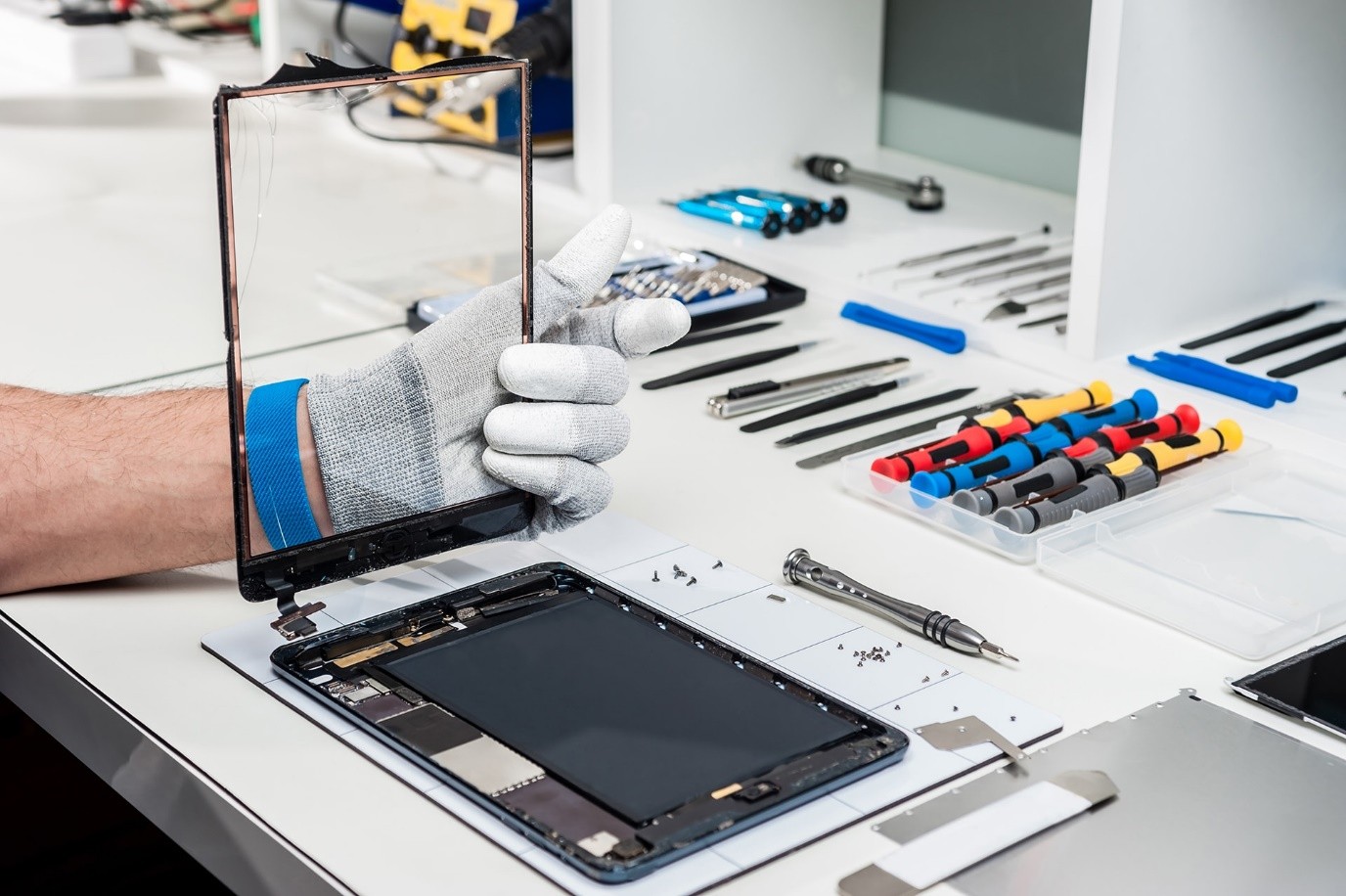
Your smartphone handles everything from communication to critical data, so keeping it in peak condition matters. These phone repair tips are designed to help you extend your device’s lifespan while avoiding costly damage.
iGadget Repair prioritizes both prevention and precision so your phone performs reliably every day.
Effective Phone Repair Tips That Protect Internal Performance
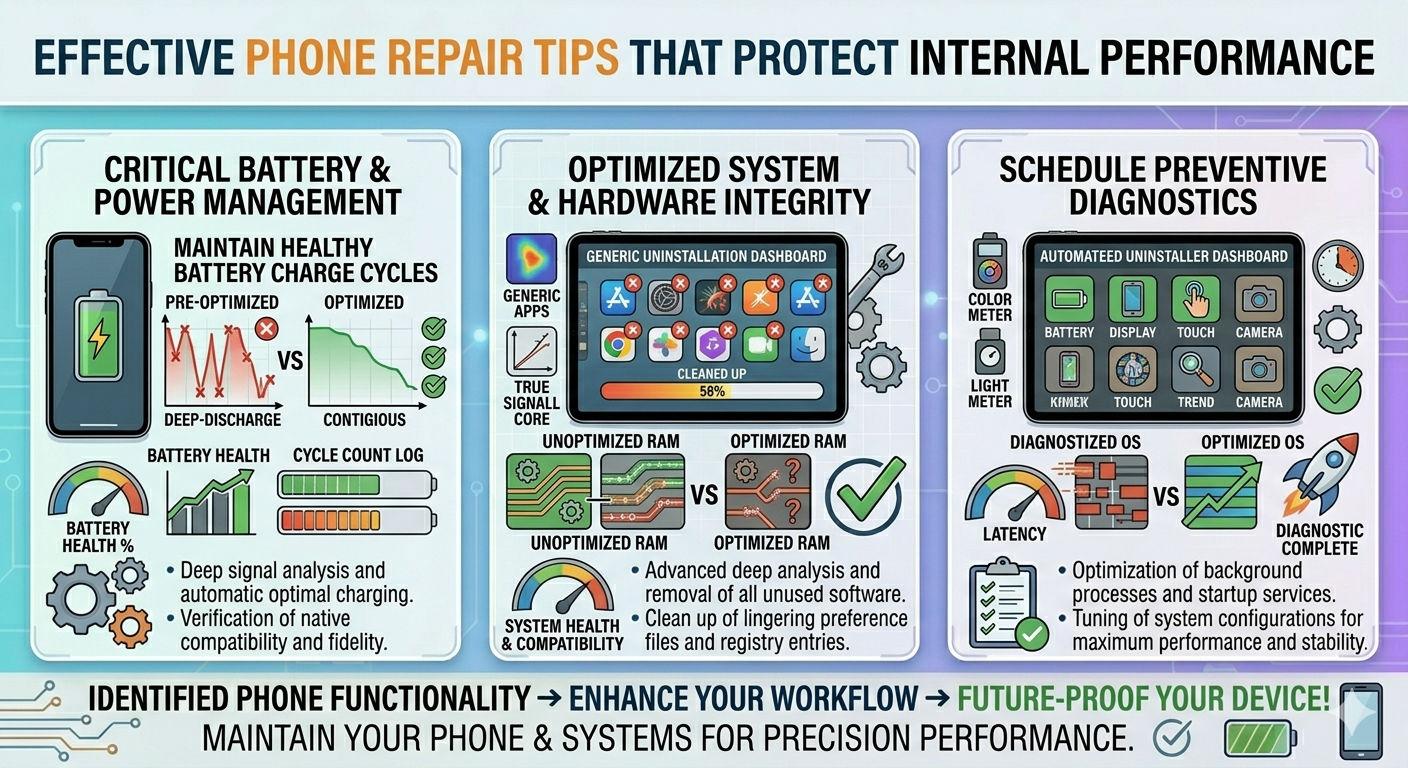
1. Maintain Healthy Battery Charge Cycles
Keep your battery charge in the range of 20 to 80 percent whenever possible. This reduces chemical stress and slows down battery degradation.
2. Use Certified Charging Accessories
Low-quality chargers can damage your phone’s power management IC. Always use original or certified cables to prevent voltage spikes.
3. Keep Storage Space Available
When your storage is nearly full, your device slows down. Maintain at least 10% to 15% free space for smoother performance.
4. Avoid Overheating During Heavy Use
Extended gaming or GPS use can cause thermal throttling. If your device heats up often, it may need a professional cell phone repair Orlando check.
5. Clean Charging Ports Safely
Dust and lint block connections. Use a wooden toothpick or anti-static brush instead of metal tools to avoid short circuits.
6. Limit Background App Activity
Apps running in the background consume RAM and CPU power. Reducing them keeps your system cooler and more efficient.
7. Protect Against Moisture Exposure
Even humidity can cause internal corrosion over time. Keep your phone away from steam and damp environments.
8. Check Device After Drops
A fall may not crack the screen but can loosen internal components. If something feels off, consider a quick phone repair inspection.
9. Restart Your Device Regularly
A simple restart clears temporary system errors and refreshes hardware-software communication.
10. Schedule Preventive Diagnostics
Sometimes small issues point to deeper faults. Regular checkups help detect problems before they turn into major repairs.
Why Preventive Care Matters for Long-Term Use
Following these phone repair tips doesn’t just fix issues but also prevents them. Your phone’s internal components work together in a delicate system, and even minor neglect can lead to performance drops or hardware failure.
If you notice persistent lag, overheating, or unusual behavior, it’s better to act early. Our technicians use advanced diagnostics to identify hidden faults and recommend the right solution without unnecessary replacements.
Keep Your Device Running Like New!
You don’t have to wait for your phone to fail before taking action. With the right habits and expert support, you can extend its life and maintain peak performance.
If your device needs professional attention, contact iGadget Repair today. Our team is ready to deliver precise, reliable solutions that keep your phone working exactly the way you need it to.
FAQs
Is it okay to use my phone if the screen has a small crack?
No, even small cracks can let in dust and moisture, causing internal damage.
How do I know if my battery is chemically aged?
If capacity drops below 80%, you’ll notice shorter battery life and slower performance.
Can software updates fix a slow phone?
Yes, updates often improve system efficiency and reduce lag.
What is the most common cause of phone motherboard failure?
Poor-quality chargers and liquid damage are leading causes.
Does a screen protector really prevent internal damage?
Yes, it absorbs impact and helps protect the display underneath.

