
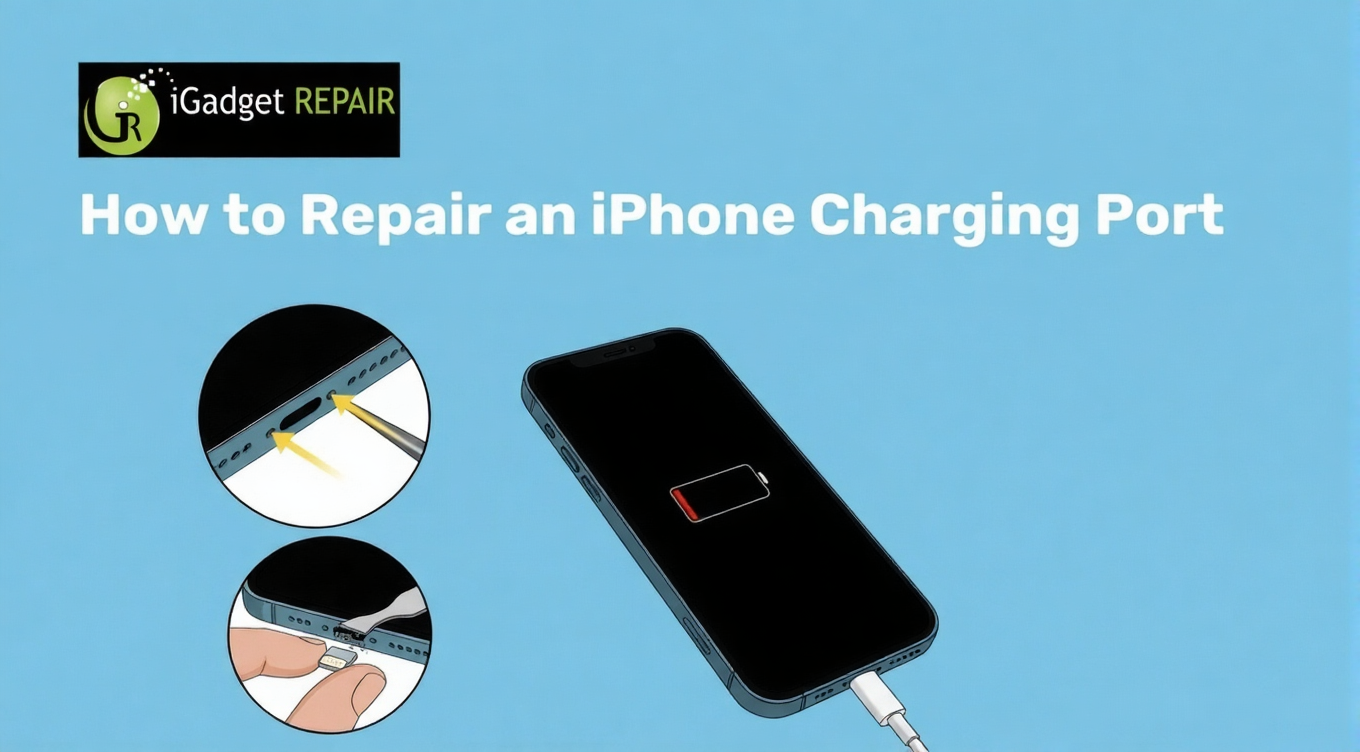
Has your iPhone stopped charging properly? You might be wiggling the cable, switching outlets, or restarting repeatedly. Don’t worry, you can fix the issue easily when you take the right steps early.
Read this blog to find simple ways you can diagnose issues and try some quick fixes. You can also understand when professional iPhone charging port repair can be a stress-saving option to protect your device from further damage.
Simple Ways to Fix Charging Port Issues in Your iPhone
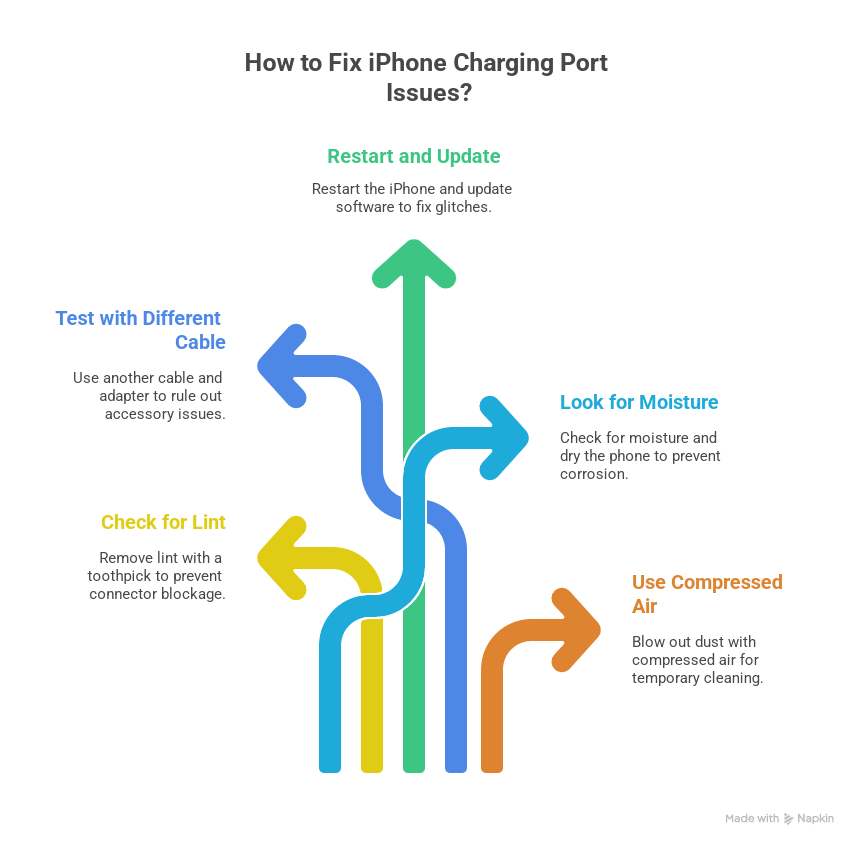
To fix iPhone charging port repair issues, you can try restarting your device, testing with a different cable, and then cleaning carefully using compressed air.
Check for Lint and Debris Buildup
Start by turning your phone off and shining light inside the port. Make sure that you carefully remove the lint using a wooden toothpick. This way, you can prevent charging interruptions that are caused by blocked connectors inside the port.
Test With a Different Cable and Adapter
Plug your phone into another cable and adapter. It might be possible that the accessories are causing the issue. Many charging failures disappear once you replace worn cables that no longer deliver stable power.
Restart and Update Your iPhone Software
You can also try to force restart your iPhone and complete any pending updates. Remember that software glitches can sometimes cause this issue.
Look for Signs of Moisture or Corrosion
Thoroughly notice discoloration or warning alerts that indicate moisture. Make sure to dry the phone completely before you charge it again. Keep in mind that moisture exposure can damage pins, so fix it as soon as possible to avoid costly repairs.
Clean the Port Using Compressed Air
Try using short bursts of compressed air at an angle and avoid inserting any metal objects inside. By using this method, you can clear hidden dust safely. Remember that this is a temporary iPhone charging port repair, so make sure to visit a repair center.
What to Do When DIY Methods Fail?
When charging issues persist, you save time by choosing technicians who handle ports daily. At iGadget Repair, we make sure you get transparent inspections, careful handling, and repair solutions tailored to your device. With our iPhone repair Orlando, you gain peace of mind that your device stays protected.
Frequently Asked Questions
1. Why does my iPhone only charge at a specific angle?
If you notice that your iPhone only charges at a fixed angled, you should seek iPhone charging port repair before the pins damage the other components.
2. Can I clean my iPhone’s charging port instead of replacing it?
You can clean minor debris safely. It’s best to opt for a replacement when cleaning fails, preventing repeated power loss and battery strain.
3. How much does it cost to fix an iPhone charging port?
You can expect the costs based on the damage severity of your charging port. Remember that you can reduce the expenses by repairing early instead of waiting for complete port failure.
4. Is it safe to keep using a faulty charging port?
Keep in mind that you risk battery damage and overheating if you use a faulty charging port. To protect your phone, you should address port issues quickly through professional repair services.
The End Note
You should never forget that charging problems rarely get fixed with DIY methods. However, you can make it possible by troubleshooting safely, recognizing early warning signs, and choosing expert support when you think that the issue seems to be complex. With trusted diagnostics and skilled repairs, we at iGadget Repair can assist you in resolving your iPhone charging port issues and protecting your device’s lifespan.

